
To build better progressions in festival videos, focus on maintaining a cohesive flow by smoothly blending scenes with techniques like color grading, sound design, and visual overlays. Use gradual hue shifts, ambient sound matching, and subtle audio crossfades to create seamless shifts that keep viewers engaged. Experiment with different elements like fades, whip pans, or overlays to enhance storytelling and emotional impact. Keep refining your approach—there’s much more to discover for truly professional results.
Key Takeaways
- Use color grading techniques like gradual hue shifts to smoothly signal scene changes.
- Incorporate sound design strategies such as audio crossfades to mask cuts seamlessly.
- Apply visual elements like fades or overlays to create visual pauses and enhance storytelling.
- Experiment with dynamic transitions like whip pans for energetic scene shifts.
- Ensure sound and visuals interact emotionally to create a cohesive and memorable viewer experience.
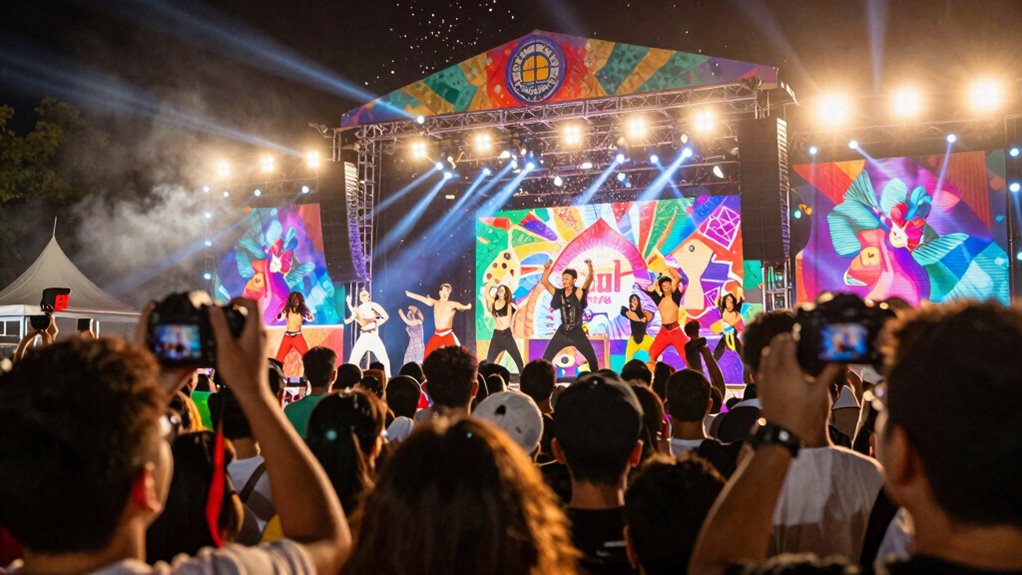
Ever wonder how to make your festival videos flow seamlessly from one scene to the next? The secret lies in crafting smooth transitions that keep viewers engaged and immersed in the experience. To achieve this, you need to pay attention to details like color grading and sound design, which play essential roles in creating a cohesive narrative. Color grading isn’t just about making your footage look good; it sets the mood and guides the viewer’s emotional response. When moving from one scene to another, consider maintaining a consistent color palette or gradually shifting hues to signal a change in atmosphere. For example, if you’re moving from a lively outdoor concert to a more intimate indoor setting, subtly adjusting the brightness, contrast, and color tones can help viewers naturally follow the story without feeling jarred. Additionally, experimenting with emerging trends in digital publishing can inspire innovative approaches to editing and storytelling techniques. Incorporating these trends can also help you stay ahead in creating engaging visuals for your audience. Staying mindful of editors’ techniques can further refine your ability to craft smooth transitions.
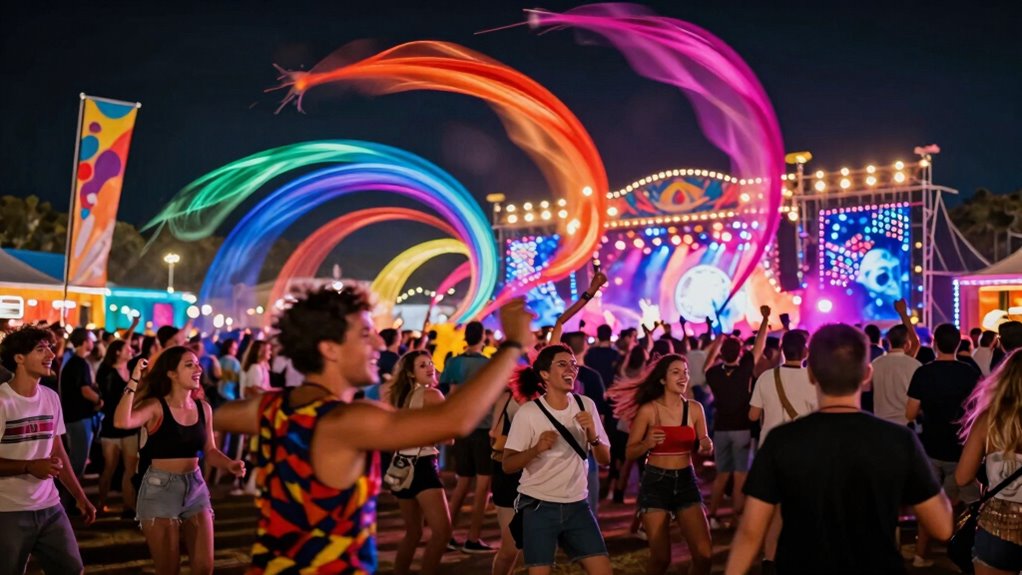
Smooth scene transitions in festival videos rely on consistent color tones and gradual shifts to guide viewers seamlessly.
Sound design is equally vital in building seamless transitions. Think of sound as the glue that holds different scenes together. When shifting between scenes, smooth audio crossfades or matching ambient sounds can mask abrupt cuts and create a fluid experience. If the scene changes from a noisy crowd to a quiet moment of reflection, gradually lowering the volume of the crowd noise and introducing softer background sounds will help the shift feel natural. Additionally, syncing sound effects or music cues with visual changes enhances the overall flow. For instance, ending a scene with a crescendo in music that seamlessly continues into the next scene ties everything together and prevents jarring shifts. Using sound cues strategically can significantly elevate your editing and keep the audience emotionally connected. Paying attention to the audio-visual relationship ensures that viewers remain engaged and emotionally invested throughout the transition.
Incorporating transitional elements like whip pans, fades, or overlays can also elevate your editing. A fade to black or white acts as a visual pause, giving the audience a moment to process the change before the next scene begins. Using overlays, such as a blurred shot or a quick montage, can bridge scenes creatively and maintain energy. Remember, the goal is not just to hide cuts but to enhance storytelling. When you combine thoughtful color grading with strategic sound design, you create a polished, professional look that keeps viewers captivated from start to finish. Recognizing the importance of visual storytelling can help you craft more compelling and memorable videos.
Ultimately, building better transitions takes practice and attention to detail. Experiment with different techniques, listen carefully to how sound interacts with visuals, and always consider the emotional journey you want your audience to experience. When you master the art of seamless transitions, your festival videos will not only look impressive but will also tell a compelling story that resonates long after the footage ends.

TOUR BOX Elite Plus – iPad Drawing Bluetooth Controller, Video Editing Photo Color Grading Speed Editor, Programmable Creative Console Keyboard for DaVinci Procreate Adobe Softwares and More
- Device Compatibility: Works with iPadOS, macOS, Windows
- Multi-Scenario Use: Supports 3 work environments
- Enhanced Creative Workflow: Optimized for digital art and editing
As an affiliate, we earn on qualifying purchases.
As an affiliate, we earn on qualifying purchases.
Frequently Asked Questions
What Are the Most Common Mistakes in Festival Video Transitions?
The most common mistakes in festival video shifts include neglecting color grading and sound synchronization, which can disrupt the flow. You might use abrupt cuts or mismatched colors that jar viewers. To improve, focus on smooth color grading to maintain visual consistency and guarantee sound aligns perfectly with each clip. Avoid overusing flashy effects, and aim for seamless passages that keep viewers immersed in the festival’s energy.
How Do Lighting Conditions Affect Transition Choices?
Lighting conditions greatly influence your shift choices. When lighting is consistent, you can use seamless fades or cuts, guaranteeing smooth flow. However, if lighting varies, you should adjust transition timing to avoid jarring shifts—perhaps waiting for a natural lighting change or adding a match cut. Paying attention to lighting consistency helps maintain visual coherence, while thoughtful transition timing ensures your festival video remains engaging and professional, regardless of changing lighting conditions.
Can Transitions Be Customized for Different Music Genres?
Absolutely, you can customize shifts for different music genres. Think of genre-specific effects like a painter choosing colors to match their mood, creating a seamless flow. Use dynamic tempo matching to sync shifts with the beat, whether it’s the pounding bass of electronic music or the mellow rhythm of jazz. Tailoring shifts this way makes your festival video resonate more with each genre’s vibe, making viewers feel like they’re right there in the moment.
What Editing Software Is Best for Seamless Transitions?
For seamless progressions, you should consider editing software like Adobe Premiere Pro or DaVinci Resolve. These programs excel in color grading and sound synchronization, helping your clips blend smoothly. They offer advanced tools to refine transitions, ensuring consistent color tones and perfectly timed audio. By using such software, you can create polished festival videos with professional-quality transitions that captivate your audience and enhance your storytelling.
How Long Should a Transition Last for Optimal Flow?
For ideal flow, aim for shifts lasting between 1 to 2 seconds. Shorter shifts keep the energy lively, while slightly longer ones can emphasize a change. Incorporate color grading to create a smooth visual move, and add sound effects to enhance the connection. Keep the timing consistent with the mood and pace of your festival video, ensuring viewers stay engaged without feeling jarred or disoriented.
audio crossfade transition effects
As an affiliate, we earn on qualifying purchases.
As an affiliate, we earn on qualifying purchases.
Conclusion
By mastering these shift techniques, you’ll weave your festival footage into a seamless tapestry that captures the energy and spirit of the event. Think of shifts as bridges that guide your audience through the story, making every moment feel connected and alive. With a little practice, your videos will flow naturally, like a river carving its path through the landscape. Keep experimenting, and watch your festival stories come to life with vibrant, unforgettable shifts.
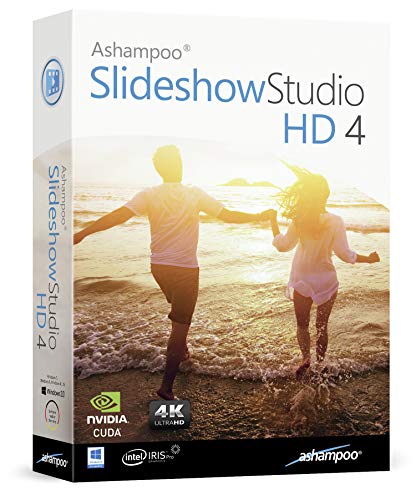
Slideshow Studio for Windows 11, 10, 8.1, 7 – Turn your wedding, birthday and vacation photos into beautiful videos with music, transitions and effects
- Versatile slideshow creation: For weddings, birthdays, vacations, and more
- Rich content library: Templates, transitions, and sound effects included
- User-friendly interface: Easy installation, tutorials, and free support
As an affiliate, we earn on qualifying purchases.
As an affiliate, we earn on qualifying purchases.
![VideoPad Video Editor - Create Professional Videos with Transitions and Effects [Download]](https://m.media-amazon.com/images/I/91zAUcPqOhL._SL500_.png)
VideoPad Video Editor – Create Professional Videos with Transitions and Effects [Download]
- Apply Effects and Transitions: Add effects, transitions, and adjust speed
- Fast Video Processing: One of the quickest stream processors
- Easy Drag-and-Drop Editing: Simplify editing with drag and drop
As an affiliate, we earn on qualifying purchases.
As an affiliate, we earn on qualifying purchases.