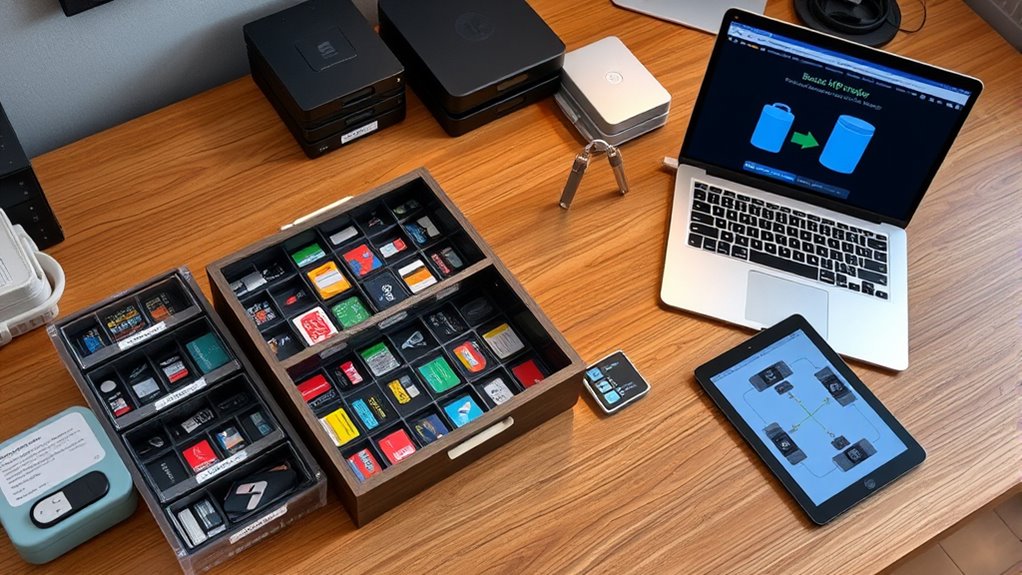

To organize your media cards, offloads, and backups on site, start by categorizing files into folders like personal, work, or family. Label each with clear tags such as date, location, or event for easy searching. Regularly offload media from devices to organized storage—using external drives or cloud solutions—and back up these files to multiple locations. Consistently maintaining this system helps prevent clutter and data loss. Continue exploring for detailed tips on streamlining your media management process.
Key Takeaways
- Categorize media into distinct groups (personal, work, family) and create labeled folders for quick access.
- Regularly offload media from devices using dedicated software or hardware to prevent clutter.
- Use consistent metadata, tags, and descriptive labels for easy search and retrieval of media items.
- Store physical media in organized, labeled boxes in a cool, dry environment; back up digital media to external and cloud storage.
- Automate backup routines and periodically verify data integrity to ensure reliable on-site media organization.

Have you ever struggled to find that one important file or photo amid a cluttered digital or physical collection? If so, you’re not alone. Organizing media can feel overwhelming, especially when your collection grows large and unwieldy. The key is establishing effective media cataloging and choosing the right storage solutions. This way, you can quickly locate your files and keep everything safe and accessible.
Start by taking an inventory of what you have. Whether it’s photos, videos, audio recordings, or documents, categorize your media into clear groups. For example, create folders for personal photos, work projects, or family videos. Media cataloging involves assigning consistent and descriptive labels, tags, or metadata to each item. This makes searching much easier later on. When you tag photos with details like date, location, or event, you’ll save time hunting through hundreds of files.
Next, focus on storage solutions that suit your needs. Physical media like CDs, DVDs, or printed photos require specific storage options — think about using labeled boxes or filing cabinets in a cool, dry place. Digital media calls for reliable storage solutions such as external hard drives, NAS (Network Attached Storage), or cloud services. External drives are great for quick backups and large collections, but cloud storage offers off-site safety against physical damage and easy access from multiple devices. When choosing storage options, consider factors like capacity, security, and ease of access.
To keep your media organized on an ongoing basis, develop a routine for offloading and backing up files. Regularly transfer new photos or videos from your camera or phone to your main storage. Use offloads—dedicated devices or software—to move media quickly and efficiently. This prevents clutter from building up on your primary devices and ensures you always have a backup in case of hardware failure. When offloading, double-check that files are properly cataloged and stored in the correct folders with appropriate tags. Additionally, understanding content management principles can help streamline your organization system and improve your workflow.
Backing up your media is vital. Store copies on an external drive and in the cloud, ideally in separate locations. Automate backups whenever possible, so you don’t have to remember to do it manually. This redundancy protects against data loss from accidental deletion, hardware crashes, or theft. Keep your backups current and test them periodically to verify they work.
Frequently Asked Questions
What Are the Best Tools for Media Organization?
You should use tools like Adobe Lightroom or Capture One for media tagging, which helps categorize your files quickly. For file versioning, consider software like Acronis True Image or Backblaze, ensuring you can track changes and recover previous versions. These tools streamline your organization process, making it easier to find, manage, and back up your media efficiently on-site.
How Often Should I Back up My Media Files?
Ever wonder what could happen if your media files vanished? You should back up your media files regularly—at least weekly or after major shoots—to guarantee data redundancy strategies are in place. How often depends on your workflow’s frequency and importance. Consistent backups minimize risks, so set a schedule that fits your needs. Don’t wait until it’s too late—protect your work with reliable, frequent media backup routines.
How Can I Prevent Media File Corruption?
To prevent media file corruption, you should regularly verify media file integrity through checksum checks or file comparisons. Use reliable storage devices and avoid abrupt power-offs during transfers to guarantee digital preservation. Keep multiple copies in different locations, and regularly update your backups to safeguard against corruption. Practicing these steps helps maintain your media’s quality, ensuring long-term access and reliable digital preservation for your valuable files.
What Storage Formats Are Most Reliable for Backups?
You should use reliable storage formats like RAID configurations, which offer redundancy and protect against drive failures. Combine this with cloud storage for off-site backups, guaranteeing your data stays safe even if physical drives fail or are damaged. Avoid using formats prone to corruption, like outdated or proprietary ones, and always verify your backups regularly to ensure data integrity and quick recovery when needed.
How Do I Manage Media Access Permissions?
You should implement access control and permission management by setting clear user roles and restricting media access based on these roles. Use password protection, user authentication, and audit logs to monitor activity. Regularly review permissions, revoke unnecessary access, and update security settings to prevent unauthorized use. This guarantees your media stays secure and only authorized individuals can access or modify sensitive content.
Conclusion
Just like a master librarian, you now hold the key to seamlessly organizing your media. By sorting cards, offloading files, and keeping backups on-site, you create a system that’s both secure and efficient—much like a well-guarded vault. Remember, even Sherlock needed a plan, and with these strategies, you’ll stay steps ahead in managing your digital treasures. Embrace the order, and let your media tell its story with clarity and confidence.