Before shooting 360 and VR content at festivals, choose high-quality cameras with good low-light performance and easy handling. Plan your shots by positioning cameras to capture crowd reactions, performers, and spontaneous moments from multiple angles. Prepare extra batteries and ample storage to handle long shooting sessions. Additionally, focus on stability and sound quality to create immersive, professional footage. Keep exploring further tips to guarantee your festival coverage truly stands out.
Key Takeaways
- Choose high-quality, low-light capable 360 VR cameras with stabilization for clear, immersive footage in dynamic festival settings.
- Prepare extra batteries and ample storage to ensure continuous recording during extended festival shoots.
- Position cameras strategically to capture crowd reactions, performer interactions, and spontaneous moments for engaging content.
- Use a mix of handheld, mounted, and drone shots to create varied perspectives and maintain viewer interest.
- Ensure all equipment is portable, lightweight, and weather-appropriate to handle unpredictable festival environments.
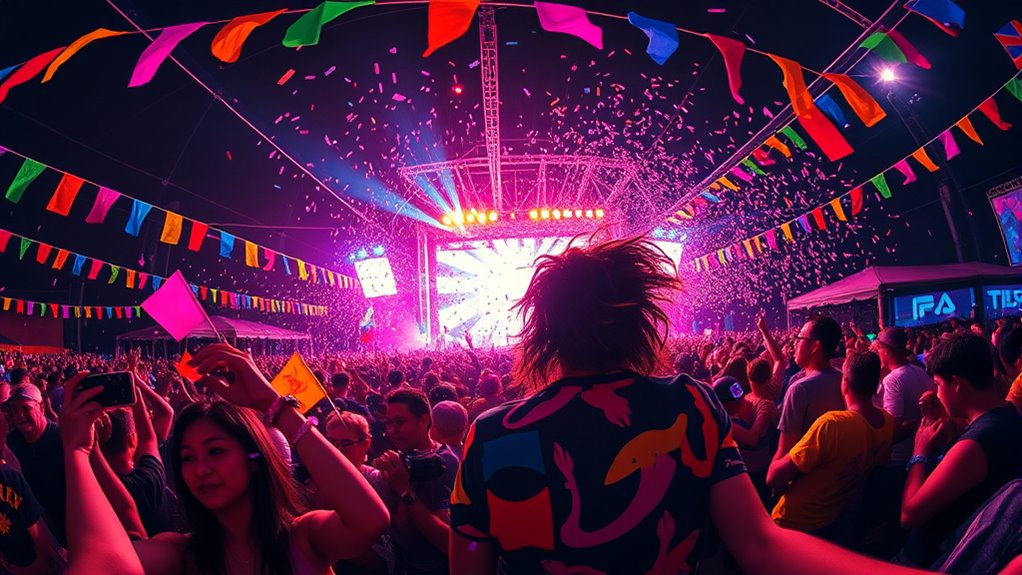
Have you ever wondered how festivals are transforming with the rise of 360-degree and virtual reality technology? These innovations are redefining how attendees experience events, offering immersive perspectives that traditional cameras can’t capture. If you’re considering shooting at a festival using 360 or VR equipment, understanding how to maximize audience engagement is essential. The goal is to create content that draws viewers in, makes them feel part of the action, and leaves a lasting impression. To do this effectively, you need to carefully consider your equipment choices.
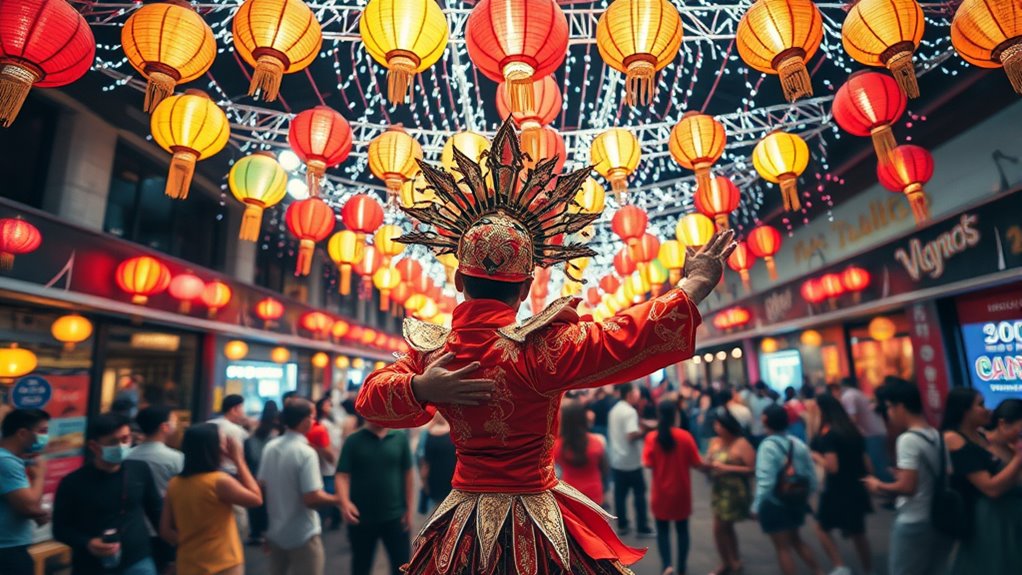
Capturing festival moments with 360 and VR tech enhances immersion and audience engagement.
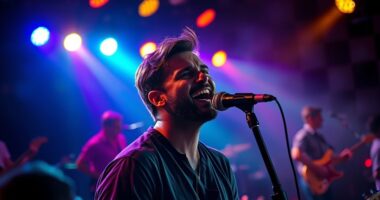
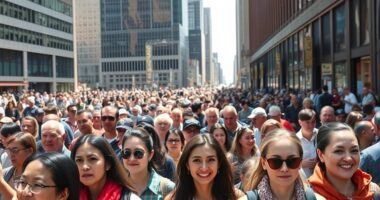
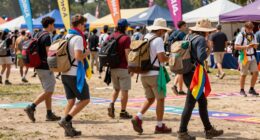
When thinking about audience engagement, it’s important to capture not just the main event but also the atmosphere around it—the crowd’s energy, spontaneous moments, and the environment. These elements help viewers feel immersed and connected. To achieve this, invest in high-quality 360-degree cameras that offer sharp resolution and good low-light performance, since festivals often have varying lighting conditions. Consider equipment that is lightweight and easy to maneuver, so you can follow the action smoothly without missing key moments. Stability is also essential; a sturdy mounting rig or tripod helps prevent shaky footage, maintaining a professional look that keeps viewers glued to the experience.
Another equipment consideration involves audio. Clear, immersive sound enhances the sense of presence, so look for 360 cameras with built-in spatial audio or plan to use external microphones designed for 360 recording. This ensures viewers don’t just see the event but also hear it as if they’re right there. Additionally, think about power sources and storage; festivals can last hours, so having extra batteries and ample memory cards is necessary to avoid losing footage mid-event.
Furthermore, understanding the local business hours can be beneficial if you plan to rent or service equipment on-site, ensuring availability when needed.
Beyond the hardware, think about how your setup influences audience engagement. A well-placed camera can capture crowd reactions, performer interactions, and spontaneous moments that elevate the story you’re telling. It’s also wise to plan for multiple angles or shots, if possible, to create a dynamic viewing experience. Use a combination of handheld, mounted, and drone shots, if allowed, to provide varied perspectives. This variety keeps viewers interested and makes your content stand out among other festival footage.
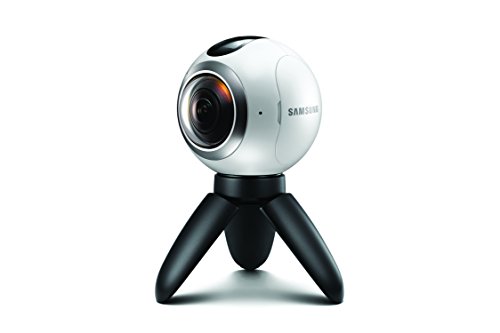
Samsung Gear 360 Real 360° High Resolution VR Camera (US Version with Warranty)
A lightweight, Compact 360-degree Camera
As an affiliate, we earn on qualifying purchases.
As an affiliate, we earn on qualifying purchases.
Frequently Asked Questions
What Are the Best Camera Brands for Festival VR Filming?
You should consider brands like Insta360, GoPro, and Ricoh for festival VR filming, as they offer reliable camera stabilization and versatile lens options. Insta360’s modular systems and advanced stabilization make capturing smooth, immersive footage easier, while GoPro’s rugged design and wide lens selection suit active festival environments. Ricoh’s 360 cameras excel in image quality and lens flexibility, helping you create immersive content that captures the festival vibe perfectly.
How Do I Ensure Audience Safety During VR Shoots?
To guarantee audience safety during VR shoots, you should implement effective crowd control measures, like barriers and designated zones, to keep spectators at a safe distance from your equipment. Regularly inspect and secure all gear to prevent accidents, and communicate clearly with staff and attendees about safety protocols. Staying vigilant and maintaining a controlled environment helps prevent injuries and ensures a smooth, safe filming experience for everyone involved.
What Licensing or Permits Are Needed for VR Filming at Festivals?
You need to obtain festival permits and meet licensing requirements before filming VR at festivals. Contact the festival organizers early to clarify if special permits are necessary for your equipment or content. Check local regulations to guarantee you have all the appropriate licenses, such as filming or content licenses. Securing these in advance helps avoid legal issues, ensures smooth permission processes, and keeps your project compliant with all festival and regional rules.
How Can I Optimize Audio Quality in VR Festival Recordings?
Think of your audio like a clear mountain stream—you want it crisp and free of noise. To enhance audio quality, focus on microphone placement; position mics close to sound sources without causing discomfort. Use high-quality microphones designed for VR shoots, and eliminate background noise with windshields or boom mics. Regularly monitor audio levels during recording, ensuring ideal audio clarity throughout the festival experience.
What Editing Software Is Recommended for 360-Degree Festival Footage?
You should try software like Adobe Premiere Pro, Final Cut Pro, or Mistika VR for editing your 360-degree festival footage. These programs support VR stitching and allow you to refine your videos with color correction. They offer user-friendly interfaces, powerful tools, and seamless integration for VR workflows. Using them, you can guarantee your footage is immersive, well-stitched, and visually vibrant, making your festival experience truly enthralling for viewers.

UVC-AI-THETA-PROLENS360 AI Theta Pro 360-Degree 8MP Camera Lens, Low-Light Performance, White, for Professional Surveillance Systems
PANORAMIC COVERAGE: Ultra-wide 360-degree field of view with 8MP (4K) resolution for comprehensive surveillance of large spaces
As an affiliate, we earn on qualifying purchases.
As an affiliate, we earn on qualifying purchases.
Conclusion
As you immerse yourself in capturing festivals with 360 and VR, remember it’s like planting seeds—you’ll want to nurture your setup with good gear and clear intentions. I once saw a VR creator turn a chaotic street parade into a mesmerizing experience, proving that with the right approach, even wild moments can become immersive stories. So gear up, plan thoughtfully, and embrace the unpredictability—your audience will thank you for the journey you create.

Insta360 X4 Standard Bundle – Waterproof 8K 360 Action Camera, 4K Wide-Angle Video, Invisible Selfie Stick Effect, Removable Lens Guards, 135 Min Battery Life, AI Editing, Stabilization
IMMERSIVE 360 VIDEO – The 8K era is here. Insta360 X4 delivers 360° video in stunning 8K or…
As an affiliate, we earn on qualifying purchases.
As an affiliate, we earn on qualifying purchases.

Zoom H3-VR 360° Audio Recorder for VR, Surround Sound, Music, and Streaming, with Ambisonics, Binaural, and Stereo Recording, Battery Powered, Wireless Control,
4-channel Recorder with 4 Built-In Mics in an Ambisonics Arrangement
As an affiliate, we earn on qualifying purchases.
As an affiliate, we earn on qualifying purchases.