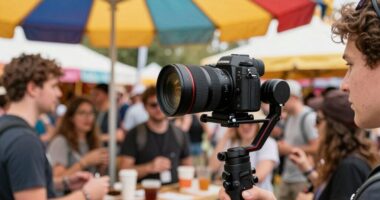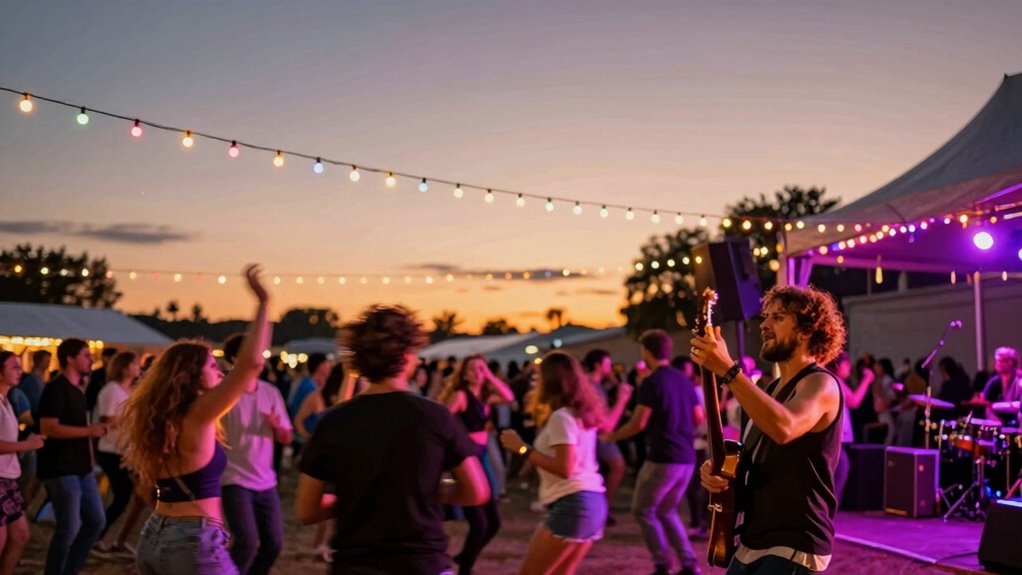

To create dynamic, music-driven festival videos, focus on syncing cuts precisely with beats and rhythms for maximum impact. Use sound cues like bass drops or claps to time shifts and enhance energy. Adjust your color grading to match the mood—bright and saturated for lively scenes, softer tones for emotional moments. Balancing sound and visuals creates immersive experiences, while maintaining consistency guarantees a seamless flow. Keep exploring further to master more techniques for an engaging festival film.

Get movie nights delivered free with Prime
- Fast, free delivery on millions of items
- Prime Video, Amazon Music and more included
- Member-only deals all year
Key Takeaways
- Synchronize scene cuts precisely with beats, bass drops, or key sound cues to enhance viewer engagement.
- Use color grading to match the energy level, such as saturated hues for high-energy moments.
- Incorporate sound effects or crowd reactions at key visual transitions for realism and rhythm.
- Adjust pacing and visual intensity to align with the tempo and mood of the music.
- Review across devices to ensure consistent audio-visual synchronization and color accuracy.
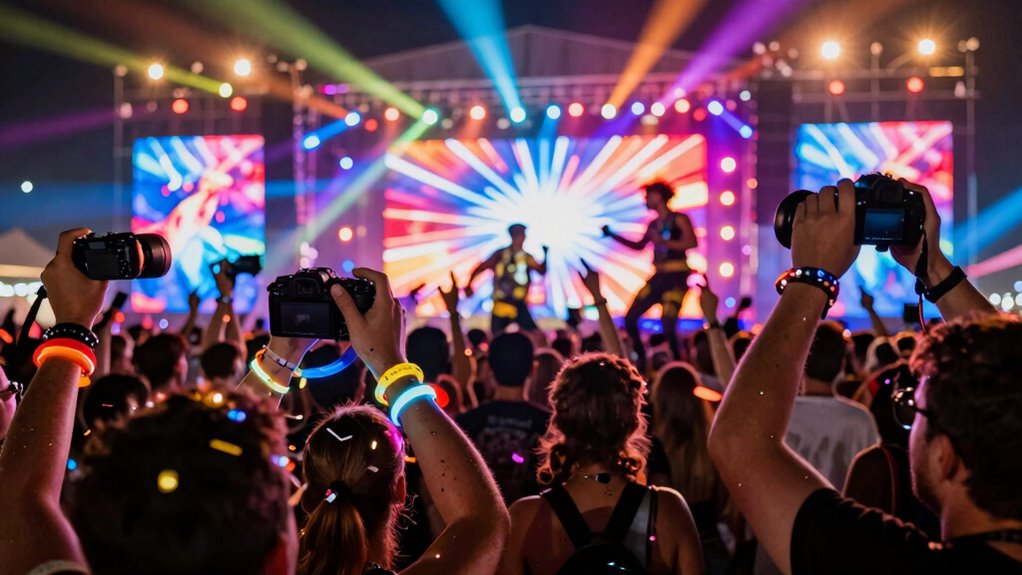
Capturing the vibrant energy of a festival is only half the job; editing those footage clips effectively is what brings the event to life. When you’re piecing together scenes, focus on color grading to enhance the mood and atmosphere. Bright, saturated hues can amplify the lively spirit, making crowds look more energetic and performers more dynamic. Conversely, if you want a more atmospheric or emotional tone, you can tone down the colors to create a more muted, intimate feel. Consistent color grading guarantees that all clips blend seamlessly, maintaining visual cohesion across the entire video. Spend time adjusting brightness, contrast, and saturation to match the overall vibe you aim for, and don’t hesitate to use LUTs (Lookup Tables) for quick, professional-looking color adjustments. Additionally, understanding how color accuracy impacts the overall image quality can help you make more informed grading choices to achieve your desired aesthetic.
Sound synchronization is another vital element that can elevate your festival video. Music is often the heartbeat of these events, so aligning your cuts precisely with the beats and rhythms keeps viewers engaged. When editing, pay close attention to the audio cues—claps, bass drops, or vocal hits—and sync those moments with the corresponding visual transitions or cuts. This creates a rhythmic flow that feels natural and compelling. If your footage has ambient sound, balance it carefully with the music; too much noise can distract, while too little might make scenes feel flat. Incorporate sound effects or crowd reactions at key moments to add depth and realism. Proper sound synchronization not only enhances the energy but also helps tell a cohesive story, making viewers feel like they’re right there in the midst of the excitement.
As you refine your cuts, consider how color grading and sound work together to amplify emotions. For a high-energy segment, boost the contrast and saturation while syncing quick cuts to rapid beats. For quieter, more emotional moments, soften the colors and slow down the pacing, aligning visuals with subtle sound cues or gentle music. Always review your edits on different devices to ensure your color grading looks consistent and your sound syncs perfectly everywhere. The goal is to craft an immersive experience that captures the essence of the festival, making viewers feel the pulse and vibrancy of the event. With careful attention to color grading and sound synchronization, your festival video will resonate, leaving viewers with a vivid, memorable impression.
professional color grading LUTs for video
As an affiliate, we earn on qualifying purchases.
As an affiliate, we earn on qualifying purchases.
Frequently Asked Questions
How Do I Synchronize Video Cuts With Live Music Beats?
To synchronize your video cuts with live music beats, focus on beat matching by listening carefully to the rhythm and identifying key beats. Use your editing software’s waveform to mark these points, then adjust your cut timing to align perfectly with the beats. This technique guarantees your cuts feel natural and dynamic, making the visuals more engaging and in sync with the music’s energy.
What Editing Software Is Best for Festival Videos?
You should consider software like Adobe Premiere Pro or DaVinci Resolve for festival videos, as they offer robust editing tools that boost audience engagement. These programs support high-quality footage and precise cuts, ensuring your video captures the energy of the event. Pairing this with the right equipment, like a good camera and microphone, helps you create dynamic content that resonates with viewers and keeps them hooked.
How Can I Enhance the Atmosphere With Color Grading?
You can enhance the atmosphere by carefully choosing color palettes that reflect the festival’s vibe, amplifying the energy and excitement. Use vibrant, saturated hues for lively scenes and cool, muted tones for more relaxed moments. Adjust contrast and saturation to match the mood, creating a cohesive visual story. By applying these techniques, you’ll elevate mood enhancement and craft an immersive experience that draws viewers into the festival’s lively atmosphere.
What Are Some Creative Transition Ideas for Music-Driven Edits?
You can get creative with your shifts by using visual effects and motion graphics that sync with the music’s beat. Try dynamic wipes, glitch effects, or animated shapes that flow seamlessly between scenes. Incorporate quick zooms or spin shifts to match the energy. These techniques not only keep viewers engaged but also enhance the overall rhythm, making your festival video lively and enthralling.
How Do I Manage Large Footage Libraries Efficiently?
You can manage large footage libraries efficiently by investing in reliable storage solutions like external drives or cloud services. Start with thorough footage organization—use clear folder structures and consistent naming conventions to easily locate clips. Regularly back up your library to prevent data loss. Utilize editing software that allows tagging and filtering, making it easier to access specific footage quickly. This approach saves time and keeps your workflow smooth.
audio sync software for video editing
As an affiliate, we earn on qualifying purchases.
As an affiliate, we earn on qualifying purchases.
Conclusion
Now that you’re armed with these festival video editing tips, your cuts will be so electrifying they could power a city! Imagine your audience not just watching, but feeling every beat, every burst of color, and every pulse of energy like they’re right there with you. Master these techniques, and your videos won’t just tell a story—they’ll explode off the screen, leaving viewers breathless and begging for more. Get ready to make magic happen!
As an affiliate, we earn on qualifying purchases.
video editing monitor for color accuracy
As an affiliate, we earn on qualifying purchases.
As an affiliate, we earn on qualifying purchases.
Fall Picks
fall essentials
As an affiliate, we earn on qualifying purchases.