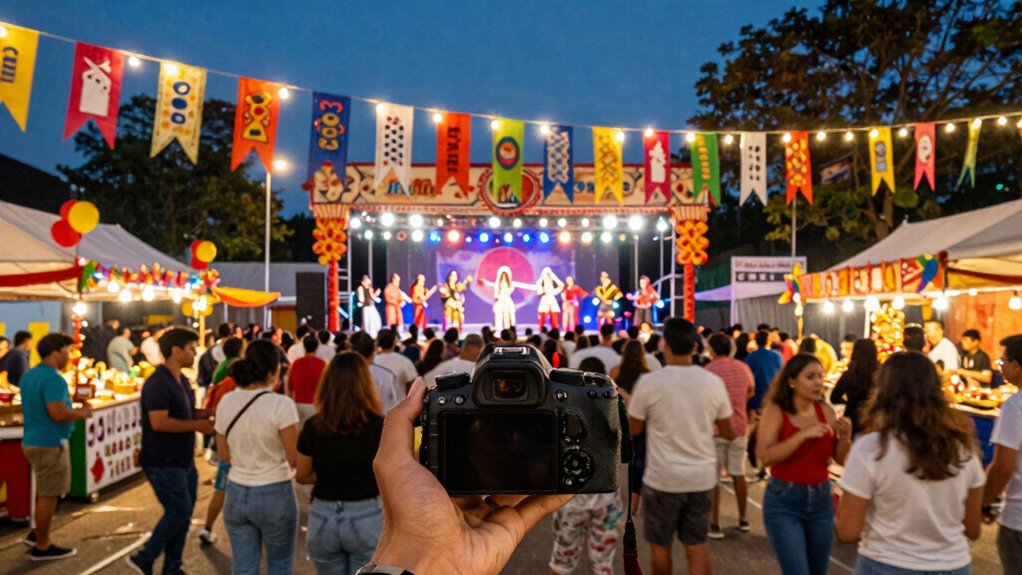

To shoot better festival walkthrough videos, focus on capturing steady, smooth footage by using stabilizers and planning your shots around lighting conditions. Incorporate drone shots for scale and dynamic perspectives, while recording ambient sounds and commentary for a vibrant atmosphere. Keep movements deliberate and angles varied to add interest. Pay attention to audio quality and balance, ensuring your visuals and sound work together harmoniously. For more detailed tips, stay tuned as you explore ways to elevate your festival videos.

Get movie nights delivered free with Prime
- Fast, free delivery on millions of items
- Prime Video, Amazon Music and more included
- Member-only deals all year
Key Takeaways
- Plan your route and key focal points to ensure comprehensive coverage of festival features.
- Use stabilizers or gimbals for smooth, steady camera movements during walking shots.
- Capture a mix of wide, close-up, and detail shots to create visual interest.
- Record ambient sounds and commentary to enhance the immersive experience.
- Adjust camera settings for optimal lighting and color accuracy based on environmental conditions.
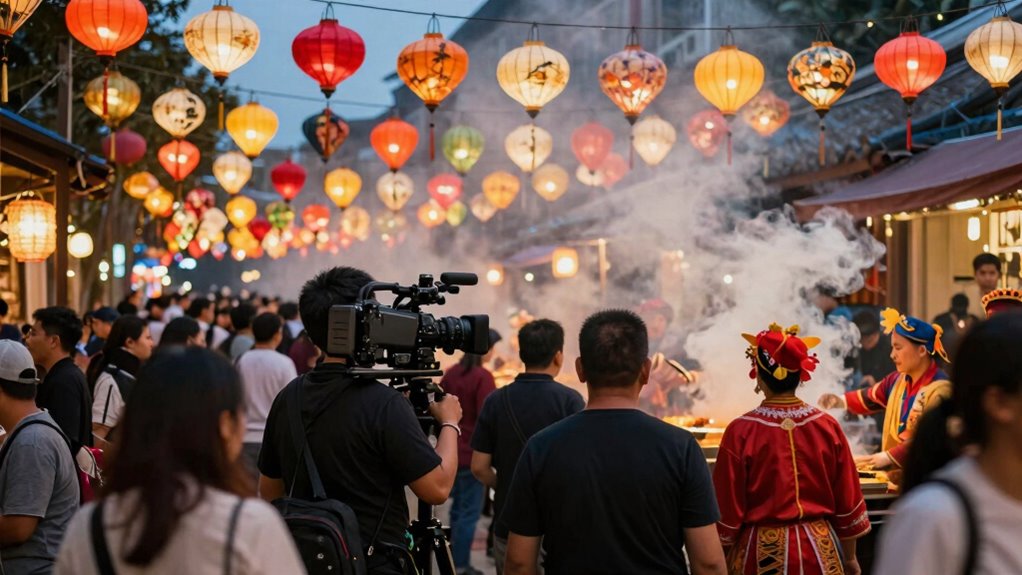
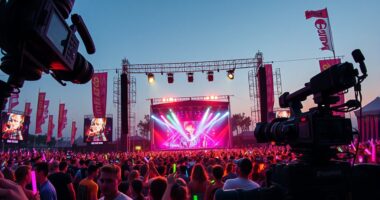
Capturing engaging walkthrough videos at festivals can be challenging, but with the right techniques, you can create vibrant, immersive content that truly brings the event to life. One of the most impactful ways to elevate your footage is by incorporating drone footage. Using a drone allows you to capture expansive shots of the festival grounds, giving viewers a sense of scale and atmosphere that ground-level shots can’t match. As you fly your drone, focus on smooth, steady movements to avoid shaky footage, and plan your shots to highlight key areas like stages, food stalls, and crowds. Drones add a cinematic quality to your walkthrough, making your video more dynamic and engaging.
Another essential element is audio enhancement. Festivals are lively, noisy environments, so capturing clear audio is indispensable for immersing your viewers. Use external microphones to pick up ambient sounds, crowd chatter, music, and announcements, and consider employing audio editing software afterward to balance levels. Reducing background noise without losing the vibrancy of the environment helps your audience feel like they’re right there with you. If possible, record some commentary to guide viewers through the experience, adding context and personality to your video. Good audio quality complements your visuals and keeps viewers engaged longer.
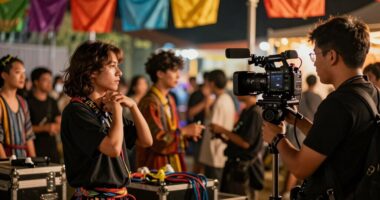
When filming on the ground, keep your camera movements smooth and deliberate. Walk slowly and steadily, avoiding jerky motions that can distract viewers. Use stabilizers or gimbals to keep your shots steady, especially when moving through crowded areas. Capture a variety of angles — close-ups of performers, wide shots of the crowd, and detail shots of decorations or food stalls — to create a rich, layered narrative. Incorporate slow pans and gentle tilts to add visual interest, but avoid overdoing it to prevent disorienting your viewers. Additionally, considering drone footage can significantly enhance the sense of scale and atmosphere in your video. Planning your shots around lighting conditions can help ensure your footage remains visually appealing regardless of the environment or time of day. Being aware of color accuracy can also make your footage look more vibrant and true to life, especially in varying lighting situations. Paying attention to camera settings, such as exposure and white balance, can make a noticeable difference in how professional your video appears. Moreover, understanding how audio levels impact the viewer experience can help you achieve a balanced and immersive soundscape.
gimbal stabilizer for smartphones
As an affiliate, we earn on qualifying purchases.
As an affiliate, we earn on qualifying purchases.
Frequently Asked Questions
What Gear Is Essential for Festival Walkthrough Videos?
You need a camera with good stabilization and versatile lenses for festival walkthrough videos. A gimbal or stabilizer helps keep footage smooth, especially when moving through crowds. Choose a wide-angle lens for capturing expansive scenes and a zoom lens for close-ups of details. Prioritize lightweight gear to stay agile. With stable shots and the right lens selection, your videos will feel professional and engaging, capturing the festival’s energy perfectly.
How Do I Handle Low-Light Conditions During Festivals?
Ever find yourself filming as the festival’s lights dim unexpectedly? To handle low-light conditions, you should rely on effective lighting techniques like increasing ISO, opening your aperture wider, or using a fast lens. Keep your camera stable with a tripod or gimbal to avoid shaky footage. These tips help you capture clear, vibrant walkthrough videos even when the lighting dips, ensuring your viewers still feel immersed in the festival atmosphere.
What Audio Equipment Improves Festival Walkthroughs?
To improve your festival walkthrough videos, invest in external microphones like shotgun or lapel mics. They enhance audio clarity by directly capturing sound from your subject and reducing background noise. Using a windscreen or dead cat on your microphone also helps in windy conditions. These accessories guarantee your audience hears clear, crisp audio, making your videos more engaging and professional. Don’t forget to test your equipment beforehand.
How Can I Avoid Crowd Interference in My Shots?
To dodge disturbance and deliver dynamic footage, you need clever crowd navigation. Move mindfully, seeking open spaces and moments when crowds thin out. Use a stabilizer or gimbal to maintain shot stability even when you’re on the move. Be patient, plan your path, and position yourself strategically. By balancing bold movement with calm composure, you’ll banish crowd interference and produce crisp, enthralling festival walkthrough videos.
What Editing Tips Enhance Festival Walkthrough Videos?
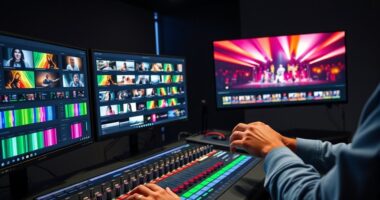
To enhance your festival walkthrough videos, focus on effective editing. Use color grading to boost vibrancy and highlight the lively atmosphere, making your footage more engaging. Incorporate sound design by adding ambient festival sounds or music overlays to create immersion. Trim unnecessary parts to keep the flow dynamic and guarantee your edits reflect the energy of the event. These techniques will make your videos more engaging and professional-looking.
As an affiliate, we earn on qualifying purchases.
Conclusion
To capture the energy, you need to see it; to share the vibe, you need to feel it; and to create memorable videos, you need to immerse yourself in the festival. Focus on your shots, stay present in the moment, and let the excitement guide your camera. When you do, your footage won’t just record the event—it will bring your audience into the experience, making them feel as if they’re right there with you.
external microphone for smartphones
As an affiliate, we earn on qualifying purchases.
As an affiliate, we earn on qualifying purchases.
video editing software for festival videos
As an affiliate, we earn on qualifying purchases.
As an affiliate, we earn on qualifying purchases.
Halloween Picks
halloween
As an affiliate, we earn on qualifying purchases.