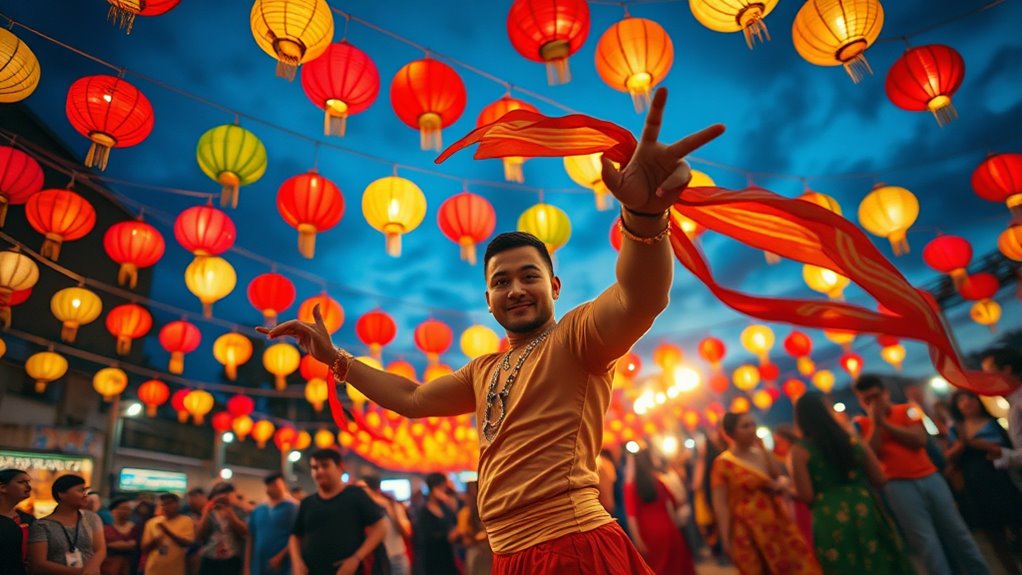

To film festivals with just your smartphone, focus on steady camera techniques like bracing against surfaces and natural support for stable shots, and use creative framing such as rule of thirds to make your scenes engaging. Pay attention to lighting by using available stage or street lamps to set mood, and get close to capturing key moments and genuine sounds. Mastering these simple yet effective strategies will turn your casual recordings into compelling videos—continue exploring for even more expert tips.

Get movie nights delivered free with Prime
- Fast, free delivery on millions of items
- Prime Video, Amazon Music and more included
- Member-only deals all year
Key Takeaways
- Use natural supports and body bracing techniques to stabilize shots without additional equipment.
- Master camera movements like panning and tracking to add dynamism to your footage.
- Play with framing rules such as the rule of thirds and leading lines for visually appealing compositions.
- Leverage available lighting, including stage and street lamps, to create mood and depth.
- Capture peak moments and clear audio by getting close to sound sources and utilizing external microphones if possible.
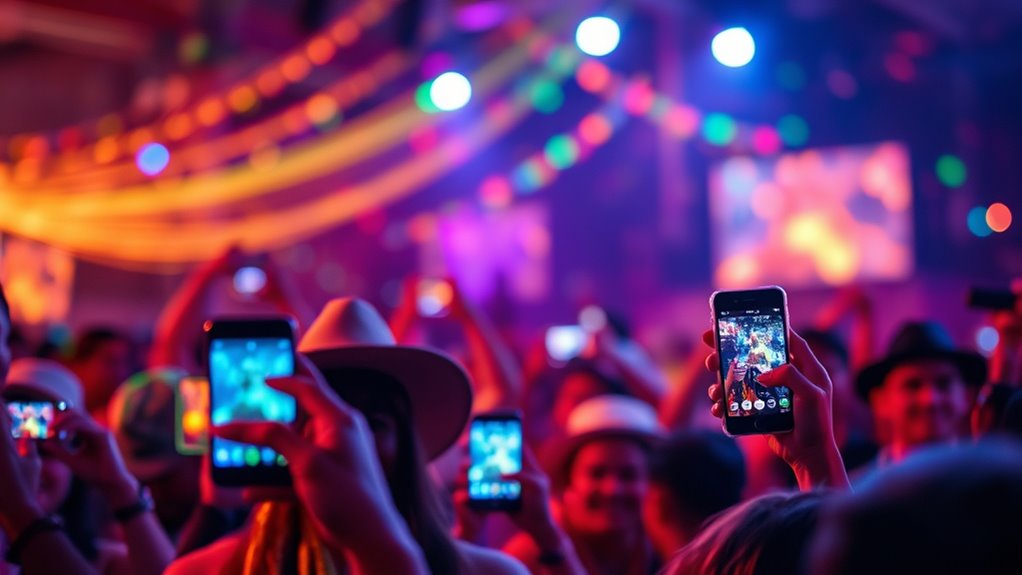
Have you ever considered how smartphones are transforming the way festivals are filmed? These devices have become powerful tools that allow you to capture vibrant, professional-looking footage without the need for bulky equipment. By understanding some key cinematography techniques, you can elevate your festival videos and make them truly stand out. One essential aspect is mastering camera movement—using simple techniques like panning, tilting, and tracking shots can add dynamism and immersion to your footage. Instead of relying on expensive stabilizers, you can stabilize your shots by bracing your elbows against your body or using natural surfaces for support. Playing with framing and composition also enhances your storytelling; think about the rule of thirds, leading lines, and symmetry to create balanced, visually appealing scenes. Lighting isn’t just about the sun; during festivals, you can make the most of available light, whether that’s the glow of stage lights or ambient street lamps, to add mood and depth. Timing your shots to capture peak moments—crowd reactions, performances, or candid interactions—makes your footage more engaging. Additionally, understanding how contrast ratio affects image quality can help you recognize the importance of lighting and exposure choices in your footage, leading to more vivid and detailed videos.
Beyond visuals, audio capture methods are equally essential. Good sound quality can transform a simple clip into an immersive experience. Your smartphone’s built-in microphones are often good enough if you follow a few tips. Get close to the sound source—whether it’s a performer or a bustling crowd—to pick up clearer audio and reduce background noise. Using a smartphone-compatible external microphone can drastically improve sound clarity, especially in noisy environments. Be mindful of wind noise; if outdoors, shield your mic with a makeshift windscreen like a piece of cloth or foam. Recording in a quiet environment beforehand allows you to understand your device’s audio capabilities better. During the festival, prioritize capturing multiple audio sources—ambient sounds, crowd reactions, and performances—to layer later in editing for a richer soundscape. If possible, record separate audio clips and sync them with your footage, ensuring your final video maintains clarity and impact.
In essence, you don’t need expensive gear to create compelling festival videos. With a solid grasp of basic cinematography techniques and effective audio capture methods, your smartphone can become a powerful storytelling tool. Focus on how you move your camera, frame your shots thoughtfully, and pay attention to sound quality. These small but essential adjustments can make a significant difference, turning what might seem like casual recordings into professional-looking films that truly capture the energy and spirit of the festival.
smartphone video stabilization accessories
As an affiliate, we earn on qualifying purchases.
As an affiliate, we earn on qualifying purchases.
Frequently Asked Questions
How Do I Stabilize Footage With Just My Smartphone?
To stabilize your footage with just your smartphone, try using tripod alternatives like a steady surface or a makeshift stand. For handheld stabilization, keep your elbows close to your body and use both hands to hold your phone firmly. You can also practice smooth, controlled movements and consider apps that offer built-in stabilization features. These tips help reduce shake and produce professional-looking footage without extra gear.
What’s the Best Way to Capture Good Audio Without External Mics?
To elevate your audio quality without external mics, focus on subtle microphone placement—keep the mic close and pointed toward the sound source. Use your phone’s built-in tools to minimize background noise, like selecting the right settings or using windshields. Remember, good audio often comes from strategic positioning and mindful environment awareness. This way, your recordings will sound clearer and more professional, even without fancy gear.
How Can I Edit Festival Footage on a Phone?
You can edit festival footage on your phone using apps like Adobe Premiere Rush or InShot. Start by selecting the best clips, then enhance your visuals with simple lighting techniques like adjusting brightness or contrast. Experiment with different camera angles in your edits to add variety. Trim unwanted sections, add music, and apply filters to make your footage more engaging. Keep it simple, and you’ll create an impressive festival video easily on your device.
Are There Any Free Apps Recommended for Smartphone Filming?
Think of free apps as your secret weapons for smartphone filming—they’re powerful and easy to use. Consider apps like iMovie, Adobe Premiere Rush, and InShot, which offer great editing tools without costing a dime. These apps help you cut, trim, add music, and enhance your footage effortlessly. So, plunge into these free editing tools and turn your festival clips into professional-looking videos without spending a penny.
How Do I Ensure Privacy and Avoid Disrupting Festival Attendees?
To guarantee privacy and avoid disrupting festival attendees, always prioritize consent considerations and be mindful of crowd awareness. Seek permission when filming close to individuals, and avoid capturing sensitive moments without approval. Keep your movements unobtrusive, use a quiet setup, and stay aware of your surroundings. Respect signs and guidelines, and if someone objects, promptly stop filming. This approach fosters respect and ensures a positive experience for everyone involved.
external microphone for smartphones
As an affiliate, we earn on qualifying purchases.
As an affiliate, we earn on qualifying purchases.
Conclusion
Think of yourself as a skilled painter with a palette of just your smartphone. Without the clutter of extra gear, you craft vivid scenes that breathe with authenticity. Your footage becomes a living mosaic, capturing the festival’s soul through your lens. Remember, mastery isn’t in the tools you carry but in your eye and intent. With each shot, you’re weaving a timeless tapestry—an enduring story painted with the simplest of brushes.
As an affiliate, we earn on qualifying purchases.
As an affiliate, we earn on qualifying purchases.
Fall Picks
fall essentials
As an affiliate, we earn on qualifying purchases.