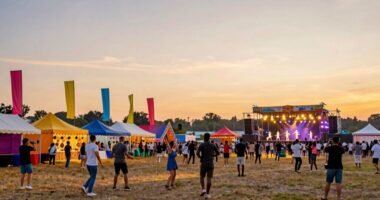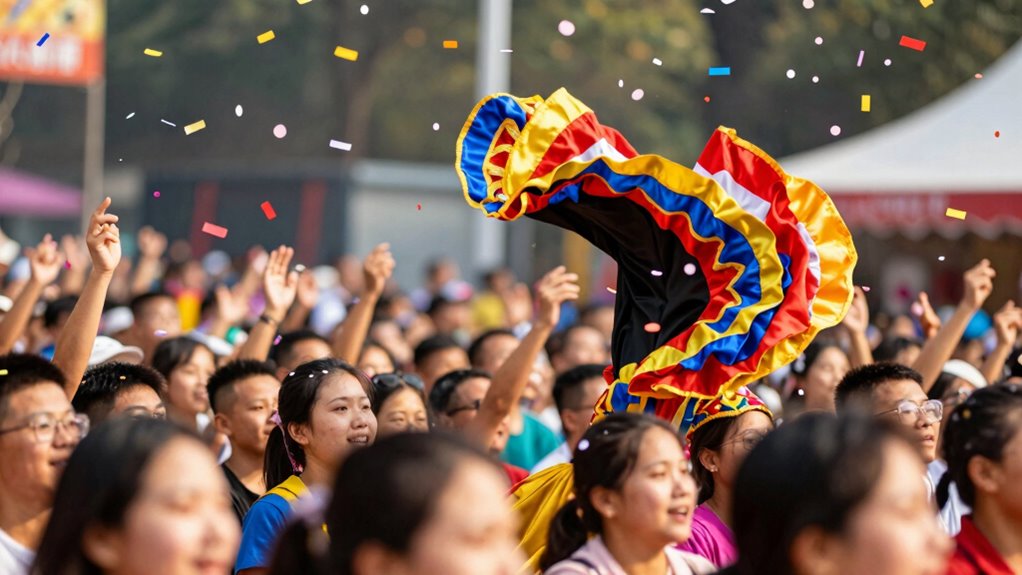

To use slow motion effectively in festival videos, shoot at high frame rates like 120 or 240 fps and make certain you have good lighting. Keep your camera steady with a tripod or stabilizer, and plan your shots to capture emotionally impactful moments. In post-production, use speed ramping, precise cuts, and color adjustments to emphasize key scenes. Incorporating ambient sounds and thoughtful editing can elevate your footage—stick around to discover more tips for stunning festival videos.

Get movie nights delivered free with Prime
- Fast, free delivery on millions of items
- Prime Video, Amazon Music and more included
- Member-only deals all year
Key Takeaways
- Record at high frame rates (60, 120, or 240 fps) to ensure smooth slow-motion footage.
- Use stabilizers or tripods to keep shots steady and prevent motion blur during slow motion.
- Plan and capture emotionally significant moments for impactful slow-motion effects.
- Employ speed ramping and precise editing to emphasize key festival highlights.
- Enhance visuals with proper lighting, color adjustments, and immersive ambient audio.
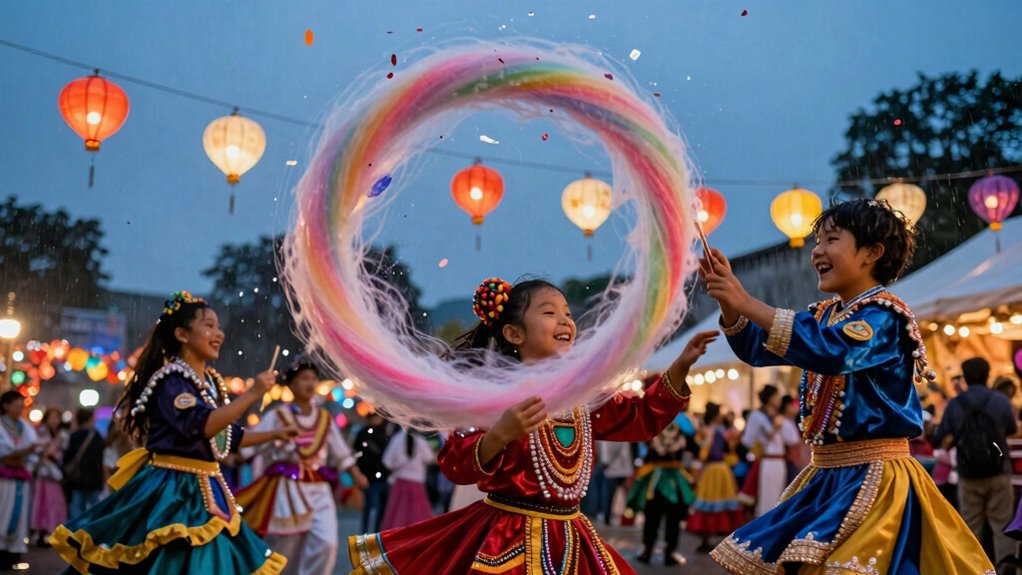
Capturing the vibrant energy of festivals is exciting, but sometimes, you want to highlight a moment’s significance or add a dramatic flair. That’s where slow motion comes in. It allows you to emphasize details, expressions, or movements that might get lost in real-time footage. To do this effectively, you need to pay close attention to your camera settings and editing techniques.
Start by adjusting your camera settings. For slow motion, you want to shoot at a higher frame rate—typically 60, 120, or even 240 frames per second. The higher the frame rate, the smoother your slow-motion footage will look. Check your camera’s capabilities and set it accordingly before recording. Keep in mind, shooting at higher frame rates often means you’ll need ample lighting, so make sure your festival is well-lit or bring additional lighting if necessary. Also, use a tripod or stabilizer to keep your shots steady, as motion blur can ruin the clarity of slow-motion clips.
Once you’ve captured your footage, the real magic happens during editing. Use editing techniques to enhance the impact of your slow motion clips. Speed ramping is a popular method—gradually slowing down or speeding up parts of a clip to create a dynamic effect. Be precise with your cuts; for example, slow down just before a performer hits a high note or a dancer leaps into the air. This draws viewers’ attention to key moments and adds emotional weight. When editing, consider adjusting the exposure, contrast, and colors to make your footage pop and complement the slow motion effect. Subtle tweaks can make the details more vivid, especially in moments like confetti falling or a crowd cheering. Additionally, understanding frame rate capabilities can help you plan your shots better to maximize the quality of slow-motion footage. Incorporating visual storytelling techniques can further elevate your festival videos by guiding viewers’ focus and enhancing the narrative flow. Moreover, paying attention to lighting conditions during filming can significantly improve the clarity and impact of your slow-motion clips, as lighting directly influences image quality and detail visibility. Remember that audio quality also plays a vital role in creating a compelling festival video, especially when emphasizing slow-motion moments with sound. For example, capturing ambient festival sounds can add an immersive layer that enhances the emotional impact of your footage.
high frame rate camera for slow motion
As an affiliate, we earn on qualifying purchases.
As an affiliate, we earn on qualifying purchases.
Frequently Asked Questions
What Equipment Is Best for Capturing Slow Motion Footage at Festivals?
You should use a camera capable of high frame rates, like 120fps or higher, to capture smooth slow motion footage at festivals. Adjust your camera settings to increase the shutter speed, which helps reduce motion blur and keeps your footage sharp. Using a stable mount or gimbal also guarantees steady shots. These techniques allow you to highlight the energy and movement of festival scenes effectively, creating stunning slow motion videos.
How Do Lighting Conditions Affect Slow Motion Video Quality?
Lighting conditions greatly impact your slow motion video quality. Poor lighting creates challenges like graininess and reduced detail, making footage look less sharp. Low light increases the risk of motion blur, which can obscure fast-moving subjects. To avoid this, make sure ample lighting or adjust your camera settings for better exposure. Consistent, bright lighting helps capture crisp, clear slow motion shots, making your festival videos more vibrant and engaging.
Can Slow Motion Footage Be Stabilized Effectively During Editing?
Yes, you can stabilize slow motion footage effectively during editing, even if it feels like trying to tame a wild stallion. Using stabilization techniques like warp stabilizer or other software tools helps reduce motion blur and shaky footage. To get the best results, guarantee your original shot is steady, and then apply stabilization carefully, adjusting settings to keep the motion smooth and natural, making your festival video look professional and polished.
What Are Common Mistakes to Avoid When Applying Slow Motion Effects?
Avoid artistic exaggeration by overusing slow motion, which can make your festival videos seem unnatural. Be cautious of timing misjudgments; applying slow motion at the wrong moment can disrupt the flow and diminish impact. Instead, focus on key moments to highlight emotion or movement, maintaining a balance. Keep your edits smooth and purposeful, ensuring slow motion enhances the scene without overwhelming the viewer or distracting from the overall energy.
How Does Frame Rate Choice Impact the Final Slow Motion Video?
Choosing the right frame rate is like controlling time itself—set it too low, and your footage turns into a dreamy, fluid masterpiece; too high, and it feels stiff and lifeless. Your frame rate selection directly influences motion blur, making movements smoother or choppier. For epic slow motion, shoot at higher frame rates like 120 fps or more, then slow down for mesmerizing, cinematic effects that captivate every festival moment.
camera stabilizer for video recording
As an affiliate, we earn on qualifying purchases.
As an affiliate, we earn on qualifying purchases.
Conclusion
As the vibrant festival lights flicker and dancers move in graceful blur, remember that slow motion isn’t just about capturing moments—it’s about weaving a tapestry of emotion and energy. Use it to highlight the heartbeat of the event, drawing viewers into each shimmering bead of sweat or soaring fireworks. When done right, slow motion turns fleeting scenes into lasting memories, making your festival video a mesmerizing journey that feels as alive as the celebration itself.
portable LED lighting for festivals
As an affiliate, we earn on qualifying purchases.
As an affiliate, we earn on qualifying purchases.
video editing software with speed ramping
As an affiliate, we earn on qualifying purchases.
As an affiliate, we earn on qualifying purchases.
Halloween Picks
halloween
As an affiliate, we earn on qualifying purchases.