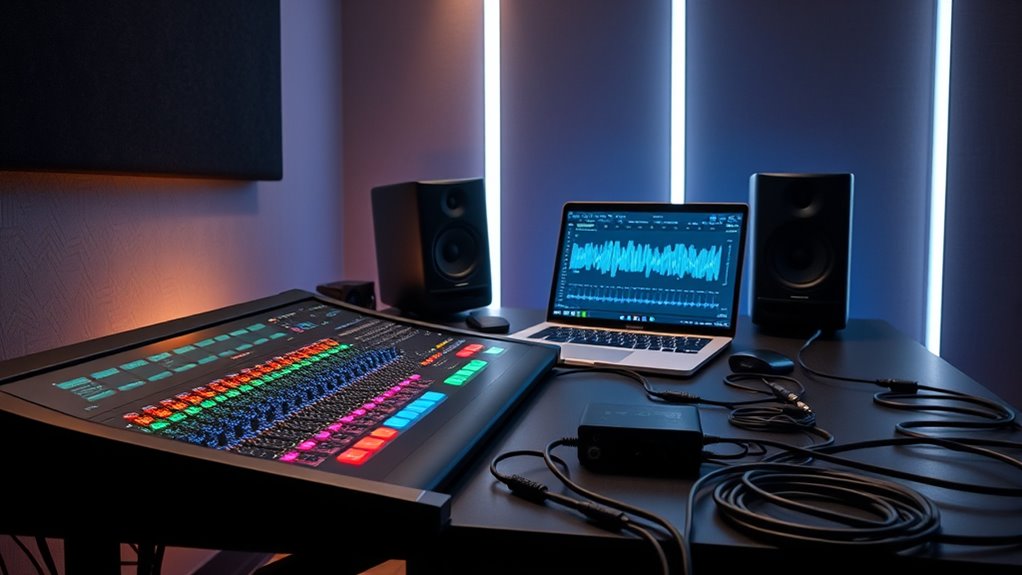

To produce great sound for live clips, start by cleaning up the audio to reduce background noise and distractions. Use EQ sliders to shape the tonal balance and enhance clarity of vocals and instruments. Light compression helps control dynamics for a consistent listen. Finally, master the tracks to guarantee they sound polished and balanced across all playback systems. If you keep exploring, you’ll discover even more effective techniques to optimize your live recordings.
Key Takeaways
- Use noise reduction tools to eliminate background sounds like crowd noise, hum, or wind while maintaining natural dynamics.
- Apply equalization to enhance clarity, balance tonal qualities, and highlight key elements such as vocals or instruments.
- Employ gentle compression to control volume levels and ensure consistent sound throughout the clip.
- Analyze the audio to identify problem areas, then refine with spectral editing or filtering for a clean, professional result.
- Finish with light mastering, including final EQ adjustments and volume balancing, for a natural, broadcast-ready sound.
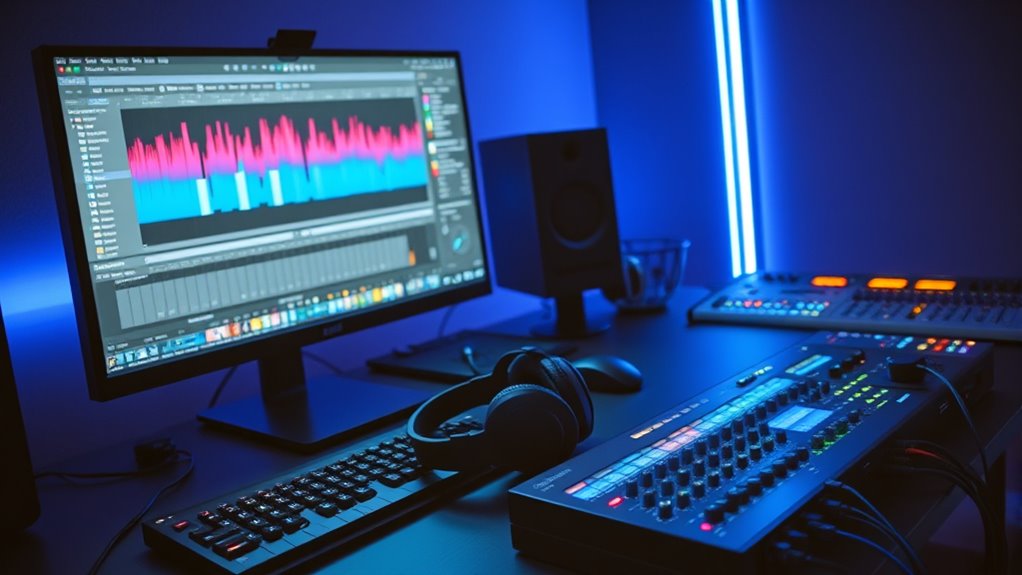
When working with live clips, effective audio post-production is essential to guarantee your recordings sound polished and professional. You want your audience to focus on the content, not distracting background noise or muddled audio. That’s where sound enhancement and noise reduction come into play. These tools are indispensable for transforming raw live recordings into clear, balanced audio that resonates well on all playback systems.
Sound enhancement involves refining the audio to better suit the final presentation. It includes adjusting levels, equalization (EQ), and applying subtle compression to ensure the dialogue or music is clear and consistent. With live clips, the challenge is often unpredictable sound quality, so using sound enhancement techniques helps highlight the essential elements and minimize imperfections. You might emphasize vocals or key instruments while reducing the prominence of ambient noise, making your clips more engaging and easier to listen to.
Refine live audio by adjusting levels, EQ, and compression to highlight essential elements and reduce imperfections.
Noise reduction is equally critical because live recordings often capture unwanted sounds like crowd noise, equipment hum, or wind interference. These background noises can distract listeners and diminish the overall quality of your clip. By applying noise reduction carefully, you can clean up the audio without sacrificing natural dynamics. The goal is to remove or diminish these extraneous sounds while preserving the integrity of the original recording. Overdoing noise reduction can lead to a hollow or robotic sound, so it’s important to strike a balance that maintains authenticity.
In practice, you start by analyzing the live clip to identify noise profiles and problem areas. Use noise reduction tools to target specific frequencies or background sounds. For example, a steady hum might be reduced by filtering out low-frequency noise, while sporadic crowd chatter can be minimized with spectral editing. Simultaneously, employ sound enhancement techniques to boost clarity—such as equalization to carve out space for vocals and key instruments, or compression to even out volume levels. This combination results in a cleaner, more professional sound that keeps the audience engaged.
Once you’ve addressed noise issues and enhanced the audio, your next focus should be on final polishing. Equalization can help balance tonal qualities, while light mastering ensures your clip sounds cohesive across different listening environments. Remember, the goal isn’t perfection in every second but achieving a natural, transparent sound that faithfully represents the live performance. Additionally, understanding basic audio editing principles can further streamline your workflow and improve results. When done correctly, these post-production steps will elevate your live clips from raw recordings to broadcast-ready audio, making them more impactful and enjoyable for your audience.

XMSJSIY Car Audio Noise Isolator Filter, 2 Channel RCA Ground Loop Signal Noise Suppressor Filter Eliminator for Amplifier Speaker Car Audio Systems
♪ Car Audio Noise Isolator Filter can help you to reduce the noise from the car electric system,…
As an affiliate, we earn on qualifying purchases.
As an affiliate, we earn on qualifying purchases.
Frequently Asked Questions
What Are the Best Tools for Live Audio Post-Production?
You should use tools like iZotope RX for spectral repair to fix unwanted noises quickly, and FabFilter Pro-Q3 for precise EQ adjustments. For dynamic processing, Waves SSL G-Master Buss Compressor or FabFilter Pro-C2 help control levels and add punch. These tools allow you to clean, shape, and master live clips efficiently, ensuring your audio sounds polished and professional without sacrificing the energy of the live performance.
How Do I Handle Unexpected Live Audio Issues During Editing?
When unexpected live audio issues occur during editing, you should start with audio troubleshooting by identifying the problem, such as noise, clipping, or balance issues. Use your skills in live sound calibration to quickly adjust EQ, levels, or filters. Keep a backup of the original sound, and apply targeted cleaning or mastering techniques to fix problems efficiently. Staying calm and methodical helps you resolve issues swiftly and preserve audio quality.
What Are Common Mistakes to Avoid in Live Clip Mastering?
Don’t let your mastering efforts go south by overlooking common pitfalls. You might unintentionally cause phase cancellation by misaligning tracks, which can thin out your sound. Always monitor for clipping prevention, ensuring levels stay within safe limits to avoid distortion. It’s like walking a tightrope—stay vigilant, double-check your EQ settings, and keep your levels balanced. This way, your live clip will sound clean, punchy, and professional.
How Can I Optimize Noise Reduction Without Losing Audio Quality?
To optimize noise reduction without losing audio quality, start with noise gating to remove consistent background noise, but set it carefully to avoid cutting out wanted sounds. Use spectral repair sparingly to target specific noise artifacts without degrading the overall clarity. Always listen critically after adjustments, and balance noise reduction with preserving the natural tone of your live clips. This approach guarantees cleaner audio while maintaining its integrity.
What Are Effective Techniques for Balancing Multiple Live Sources?
To balance multiple live sources effectively, start by ensuring phase alignment so signals don’t cancel each other out. Use EQ to achieve frequency balancing, carving out space for each source without muddying the mix. Adjust levels carefully, listening in real-time, and apply subtle compression if needed. Regularly check your mix on different systems to maintain clarity and coherence, ensuring all sources blend smoothly without overpowering each other.

Rockville REQ20 Dual 10 Band Graphic Equalizer 19" Rack Mount, Stereo RCA Inputs/Outputs, VU Meters, LED-Lit Sliders, for Live Sound and Studio Recording
PRECISE AUDIO CONTROL: Dual 10-band graphic equalizer (20 bands total) allows fine-tuning of frequencies from 20Hz to 20kHz…
As an affiliate, we earn on qualifying purchases.
As an affiliate, we earn on qualifying purchases.
Conclusion
Now that you’ve fine-tuned your live clips with cleaning, EQ, and mastering, your recordings will shine brighter than ever. Think of this process as sculpting a masterpiece—every cut, boost, and polish shapes the final sound. With each step, you’re turning raw recordings into polished gems that captivate your audience. Keep practicing, stay patient, and soon you’ll be creating live clips that sound professional and leave a lasting impression. Your sonic journey is just beginning!

Klark Teknik 76-KT Classic FET-Style Compressor with Class-A Line Level Amplifier and Midas Transformers
Classic FET-style compressor modeled after iconic 1176LN*, D and E Revisions
As an affiliate, we earn on qualifying purchases.
As an affiliate, we earn on qualifying purchases.
![SOUND FORGE Audio Studio 16 - The complete solution for recording, audio editing, restoration and mastering in one | Audio Software | Music Program | for Windows 10/11 [PC Online code]](https://m.media-amazon.com/images/I/41IasYLiIkL._SL500_.jpg)
SOUND FORGE Audio Studio 16 – The complete solution for recording, audio editing, restoration and mastering in one | Audio Software | Music Program | for Windows 10/11 [PC Online code]
The all-in-one audio editor: Everything you need to record, edit, restore and master audio.
As an affiliate, we earn on qualifying purchases.
As an affiliate, we earn on qualifying purchases.