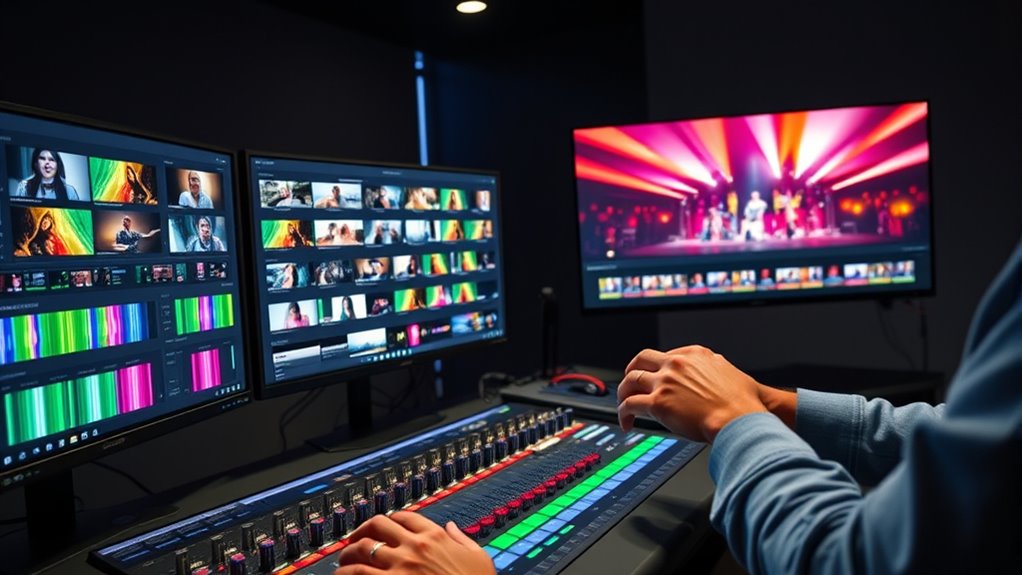

To edit multi-camera festival sets effectively, start by organizing and labeling your footage clearly from each camera. Sync all audio tracks with the video clips, ensuring perfect alignment through visual cues or automatic tools. On your timeline, choose the best angles at key moments, switching smoothly to maintain energy and storytelling flow. Continuously review and refine your cuts, balancing excitement with cohesion—keep listening for tips that will help you make your edits feel vibrant and polished.
Key Takeaways
- Organize and label all footage and audio tracks for quick access and efficient editing.
- Synchronize multiple camera angles with audio cues to ensure precise multi-cam alignment.
- Set up the timeline, then select and switch camera shots strategically to match key moments.
- Enhance energy by emphasizing dynamic camera switches while maintaining a natural flow.
- Review and refine edits continuously to ensure seamless transitions, proper pacing, and a polished final product.

Editing multi-cam festival sets can be a complex task, but having a clear workflow makes it manageable. When working with multiple camera angles, your first priority is to guarantee smooth camera switching. This involves reviewing the footage from different angles and identifying the best moments to cut between them. As you go through the clips, look for engaging performances, interesting reactions, or visually compelling shots that will keep the audience engaged. To do this efficiently, organize your footage early on, labeling each camera’s clips clearly so you can easily locate specific angles during editing. This preparation streamlines your camera switching process, helping you create seamless transitions that feel natural and energetic.
Another critical step is audio synchronization. Festival recordings often involve multiple cameras capturing different microphones, as well as separate audio feeds. Before you begin editing, you need to sync all audio tracks with the corresponding video clips. Use claps, sharp sounds, or visual cues like a performer hitting a cue or making a gesture to align the audio and video tracks precisely. Modern editing software typically offers automatic synchronization features, but double-checking manually ensures accuracy, especially when dealing with multiple audio sources. Proper audio sync is essential because it maintains the coherence of the performance, making sure the sound matches the visual cues perfectly. This prevents distracting mismatches that can break the immersion for viewers.
Sync all audio tracks carefully to ensure seamless performance and avoid distracting mismatches.
Once you’ve synchronized the audio, you can set up your timeline with all the angles aligned. From there, your focus shifts to camera switching—selecting the right shot at the right moment. Use your timeline to switch between angles fluidly, emphasizing key moments, expressions, or visual details that enhance the performance. The goal is to keep the energy high and the visuals engaging, so avoid overdoing quick cuts unless the style calls for it. Instead, aim for a rhythm that matches the music or the overall vibe of the festival. Remember, your editing decisions should serve the story and atmosphere, not just technical perfection. Incorporating comfort solutions can also help reduce fatigue during long editing sessions, ensuring sustained focus and precision.
Throughout the process, continually review your work, paying attention to timing, audio quality, and the pacing of camera switches. This iterative approach ensures your multi-cam festival set feels cohesive, vibrant, and professional. By mastering camera switching and audio synchronization early on, you lay a solid foundation for a polished final product that captures the excitement and energy of the live event.

JBL Boombox 4 - Most Powerful Portable Waterproof Speaker with Massive Pro Sound, Up to 34 Hours of Playtime, & Multi-Speaker Connection by Auracast™ (Black)
Unbeatable JBL Pro Sound with AI Sound Boost: We’re talking massive sound with deep and punchy bass. The...
As an affiliate, we earn on qualifying purchases.
Frequently Asked Questions
How Do I Synchronize Multiple Camera Angles Efficiently?
To synchronize multiple camera angles efficiently, start by importing all your footage into your editing software and aligning them on the editing timeline. Use audio-based synchronization if available, as it’s quick and accurate. Alternatively, manually match visual cues like claps or gestures. Once synced, lock your angles together and switch smoothly between them during the edit. This approach guarantees seamless multi-cam editing for dynamic festival sets.
What Software Is Best for Multi-Cam Editing?
You should consider software like Adobe Premiere Pro, Final Cut Pro, or DaVinci Resolve for multi-camera editing. These programs excel at managing a multi-camera setup and allow you to easily synchronize footage and switch angles. To streamline your workflow, organize your footage properly before editing, labeling each camera angle clearly. This way, you can quickly access the right shots, making the multi-camera editing process smooth and efficient.
How Should I Organize Footage for Large Festival Sets?
Imagine you’re editing a multi-cam festival set with dozens of cameras. To stay organized, group footage by camera placement and create bins for each angle. Label clips clearly with timestamps and camera info, then prioritize footage selection based on key moments. This method guarantees smooth editing, quick access, and seamless synchronization across all angles, making your workflow efficient and your final cut polished.
What Are Key Tips for Live Multi-Cam Editing?
When editing live multi-cam footage, focus on selecting the best camera angles quickly to keep the editing pace dynamic. Use a multi-camera editor to sync all feeds smoothly, allowing seamless switching between angles. Pay attention to the rhythm of the performance, matching cuts to the music’s tempo. Stay organized with your footage, and don’t be afraid to cut on action to maintain energy and engagement throughout the set.
How Do I Handle Audio Mixing Across Multiple Feeds?
To handle audio mixing across multiple feeds, you need to focus on managing audio latency and sound balancing. First, sync all audio channels to prevent latency issues, ensuring they align perfectly. Then, adjust levels to balance sound from each feed, avoiding overpowering or muddiness. Use your audio mixer’s tools to fine-tune the mix in real-time, maintaining clarity and consistency throughout the performance.

Sea to Summit Camp Self-Inflating Foam Sleeping Mat for Camping and Backpacking, Tapered - Large (78 x 25 x 1.5 inches)
4-season, 1.5-inch thick foam sleeping pad is a great all-around option for camping, backpacking, and scouts
As an affiliate, we earn on qualifying purchases.
Conclusion
By mastering this workflow, you’ll seamlessly craft multi-cam festival sets that captivate audiences like a bard enchanting a court. Remember, even in the age of digital mastery, patience and a keen eye remain your greatest allies—think of it as wielding a quill in a digital age. With these tips, you’ll elevate your editing game, ensuring every set is as memorable as a sonnet, transcending time and technology alike.

RusChic Sleeping Pad, Ultralight Inflatable Sleeping Pad for Camping with Pillow Built-in Foot Pump, Extra Thick Compact Camping Sleeping Mat for Hiking, Backpacking, Tent Use
Ultimate Comfort for Outdoor Adventures: Our high-performance camping pad features a wave-shaped air chamber design that adapts to...
As an affiliate, we earn on qualifying purchases.

Elegear CumbreX™ Self Inflating Sleeping Pad, 3.15" Ultra-Thick Memory Foam Camping Pad with Pillow Fast Inflating in 20s Insulated Camping Mattress Pad 4-Season Camp Sleeping Mat for Camp/Travel/Tent
Hi-Tech Memory Foam Sleeping Pad: Elegear self inflating sleeping pad features Hi-Tech memory foam with a density of...
As an affiliate, we earn on qualifying purchases.